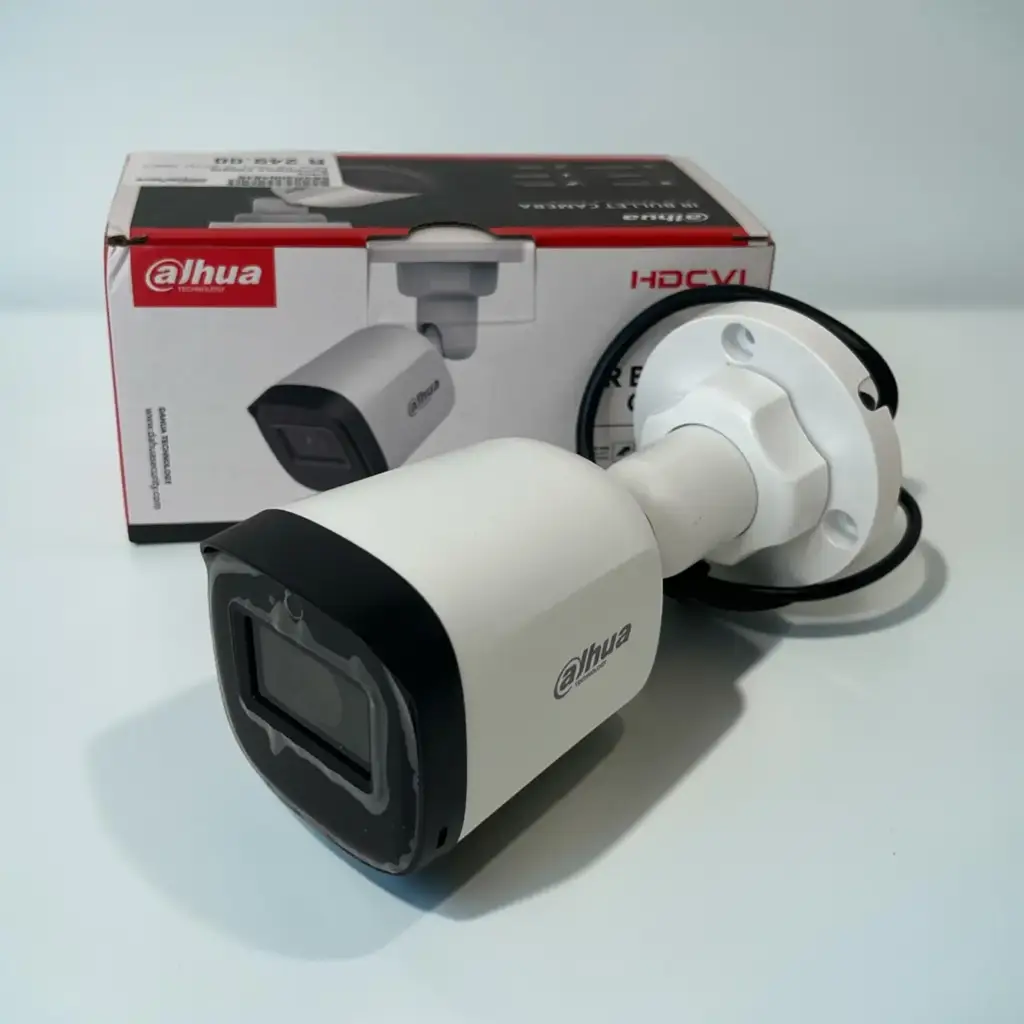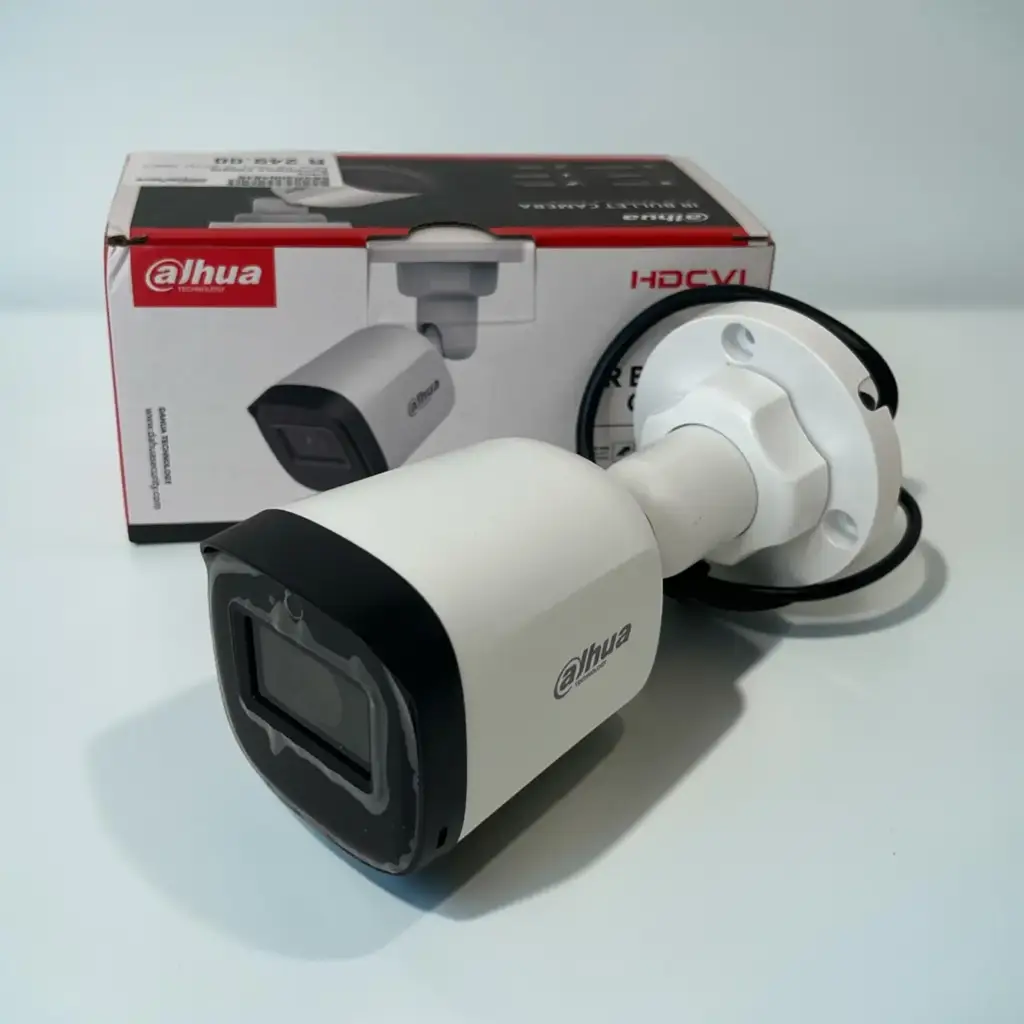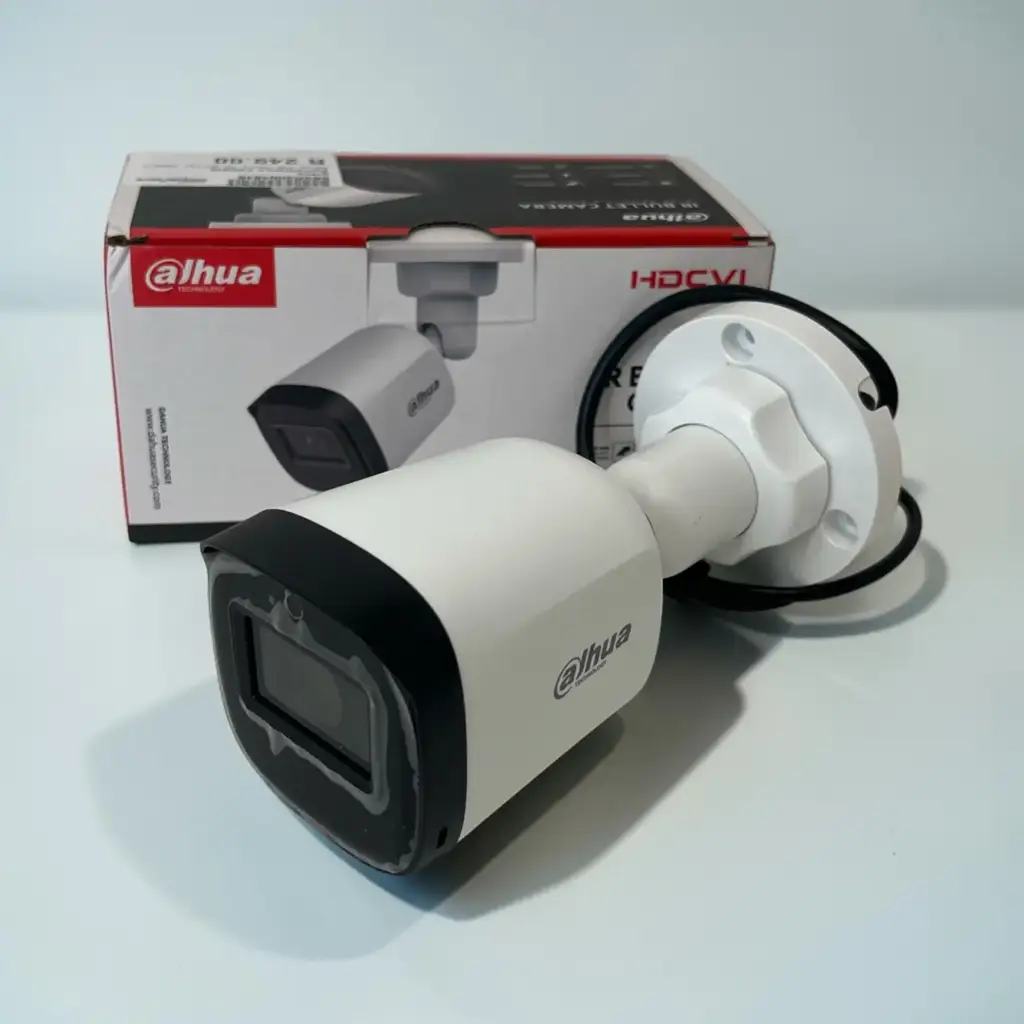
Surveillance Equipment
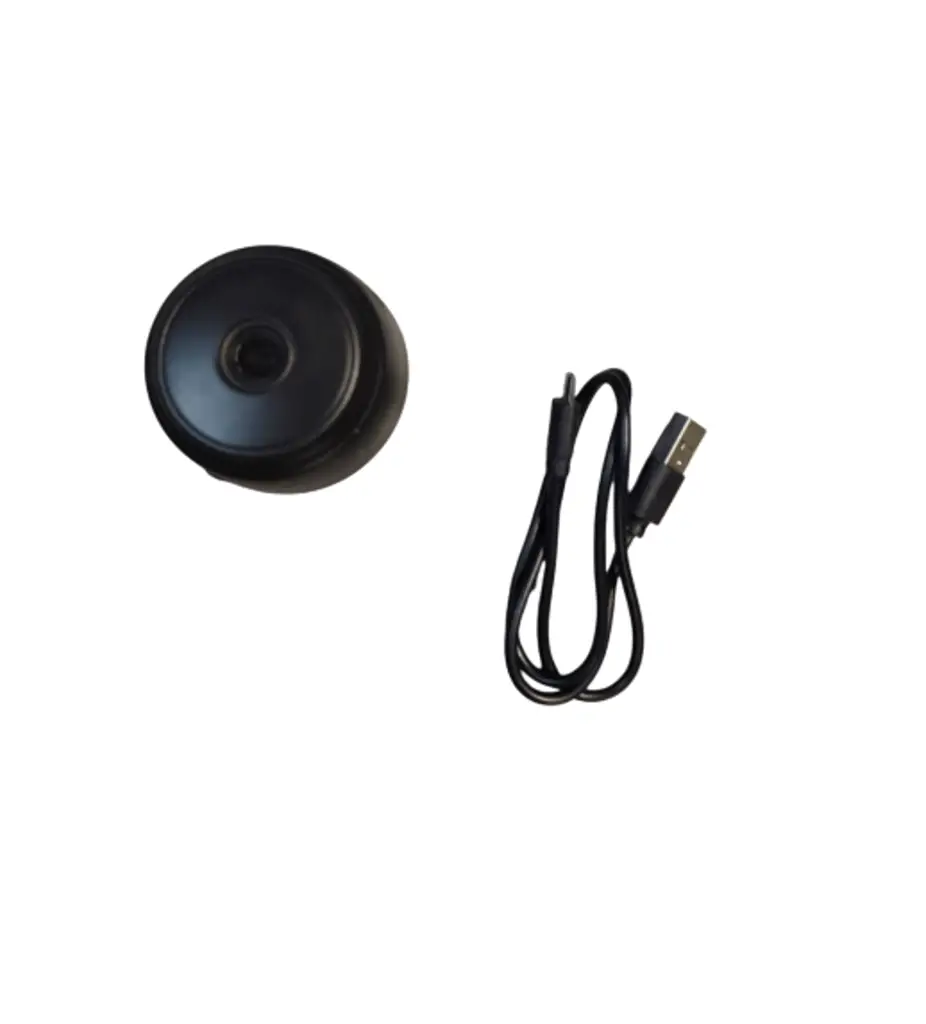
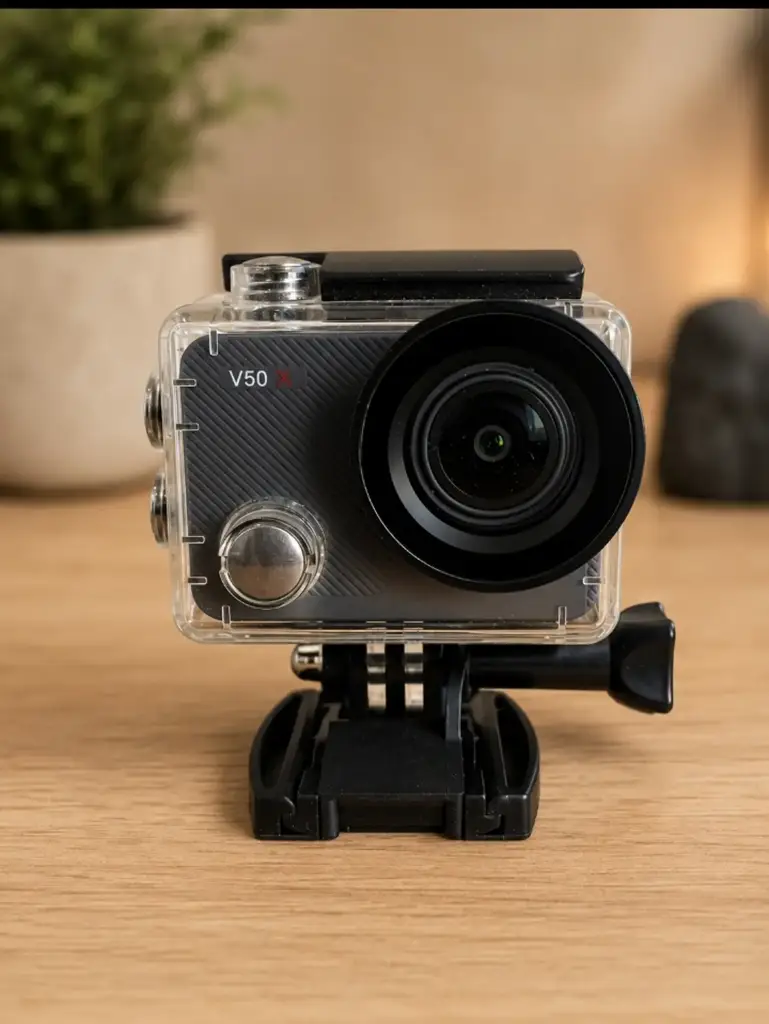
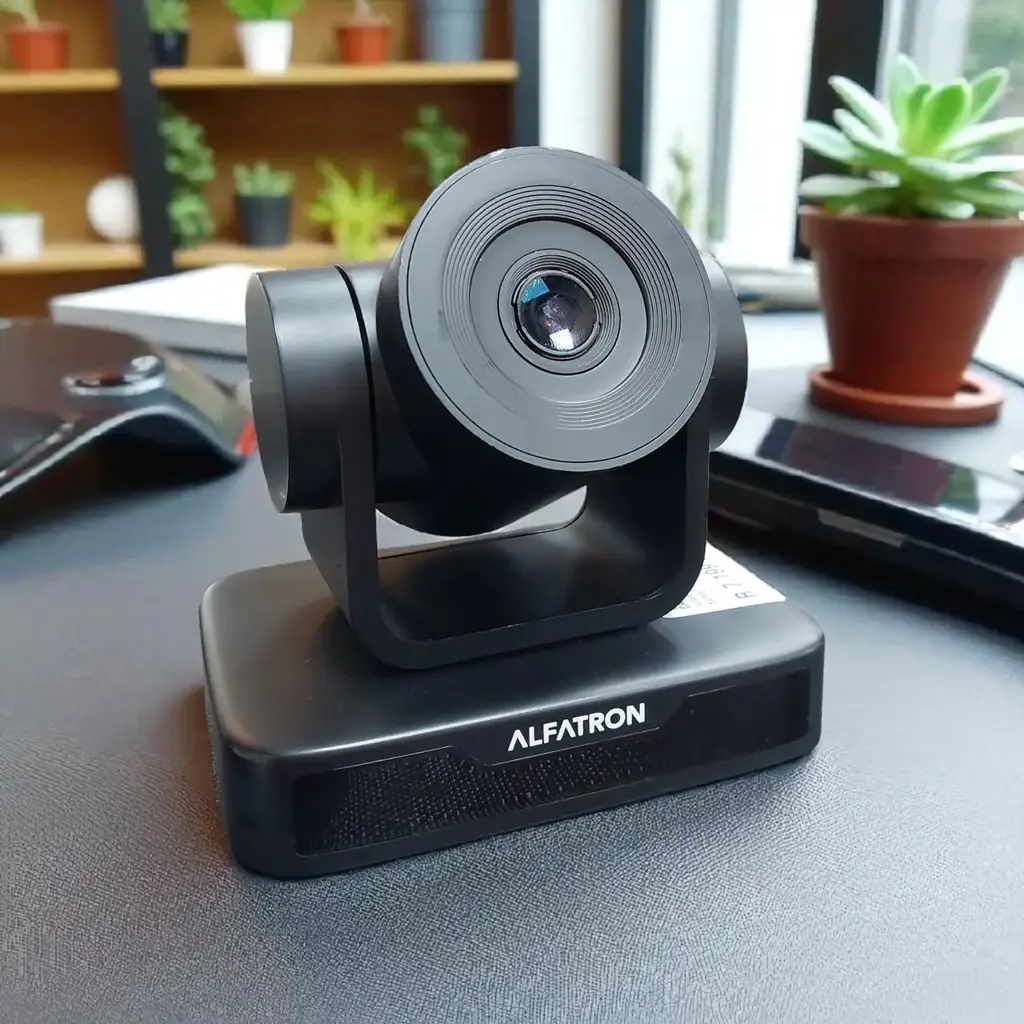
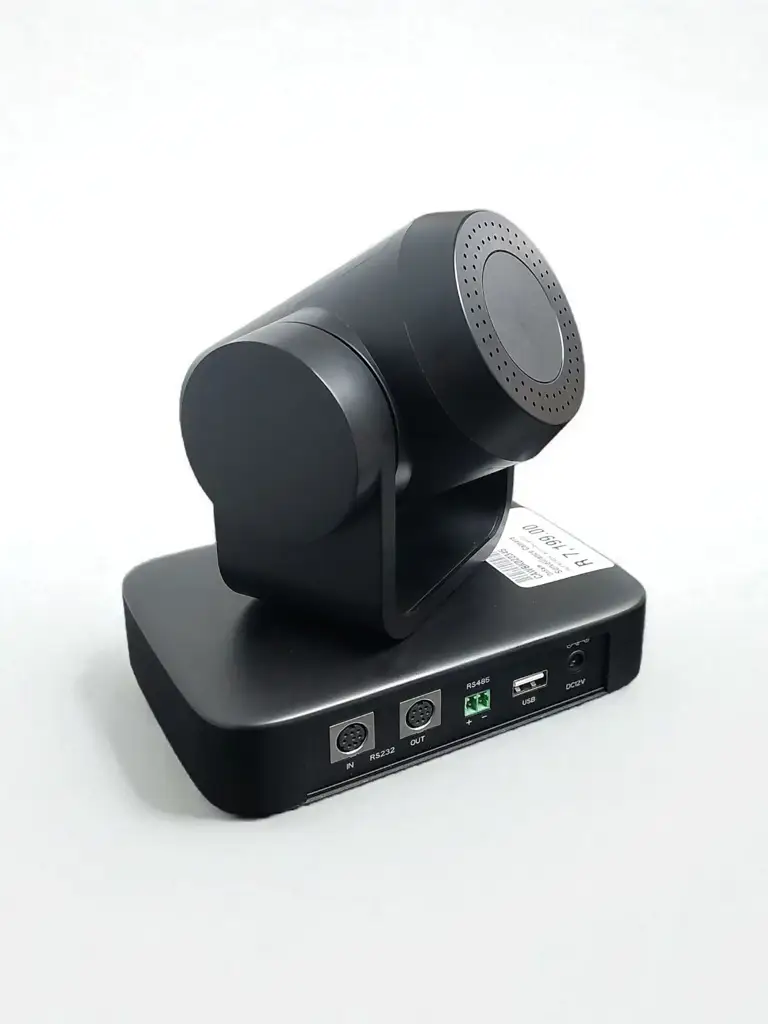
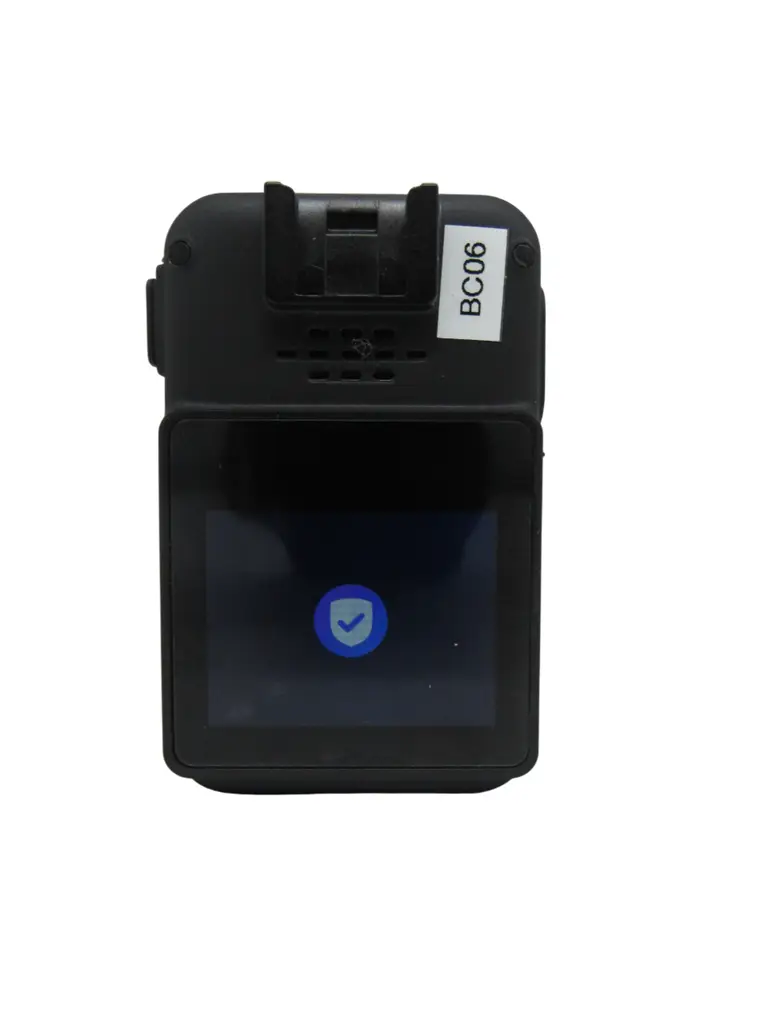
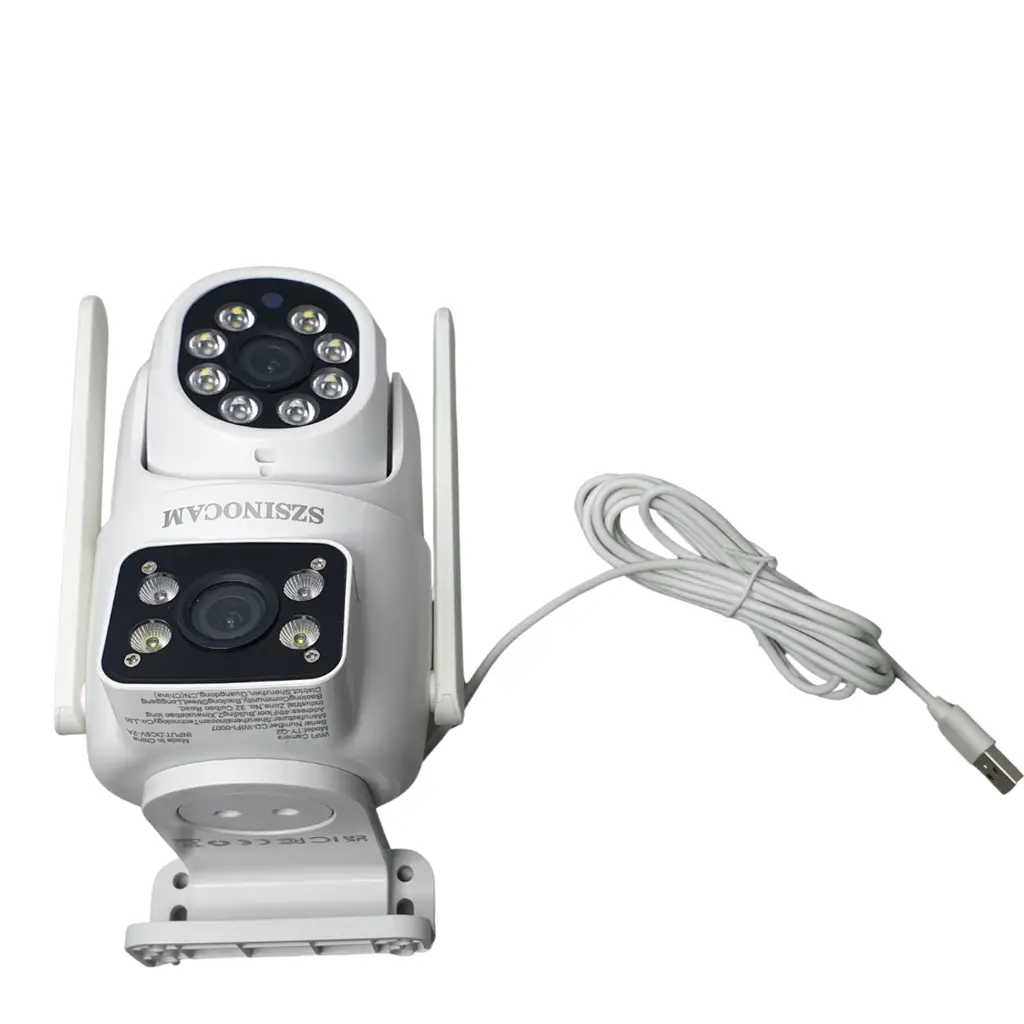
1Pc Szsinocam Wifi Smart Camera
R 499
Store Pinetown

Copyright © 2026, Cash Converters. All Rights Reserved.

Assemble the camera: Place the camera on its base and ensure it is on a flat surface. Connect to power: Use the supplied AC adapter to connect the camera to a power source. Plug in the micro USB cable: Connect the micro USB cable to both the camera and the computer or laptop.
Connect to Wi-Fi: Log into your existing Dropcam account or create a new account and log in. The camera will detect accessible Wi-Fi networks.
More products in Surveillance Equipment.

Cash Converters Norwood Mall
Certified Refurbished
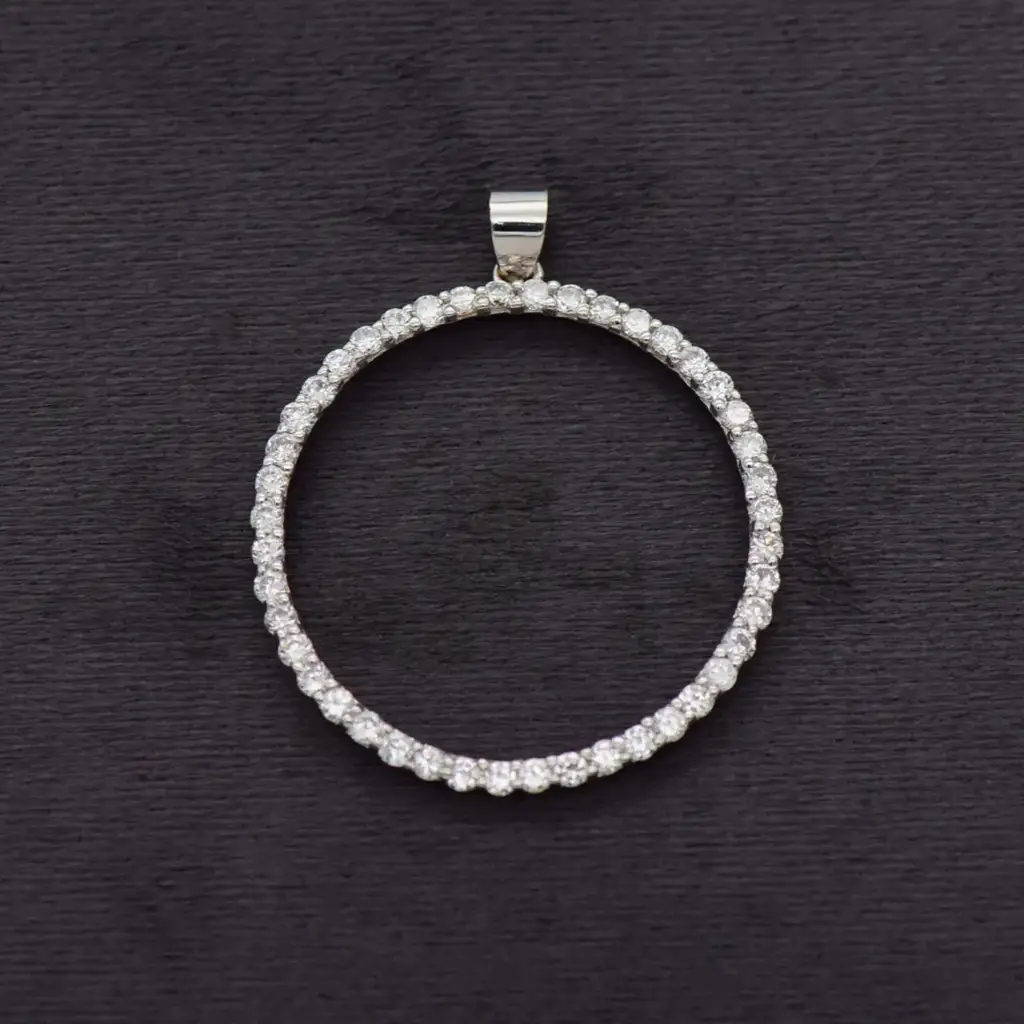
This jewellery piece has been professionally cleaned and independently evaluated for quality and authenticity.
Pendants
Store Norwood Mall
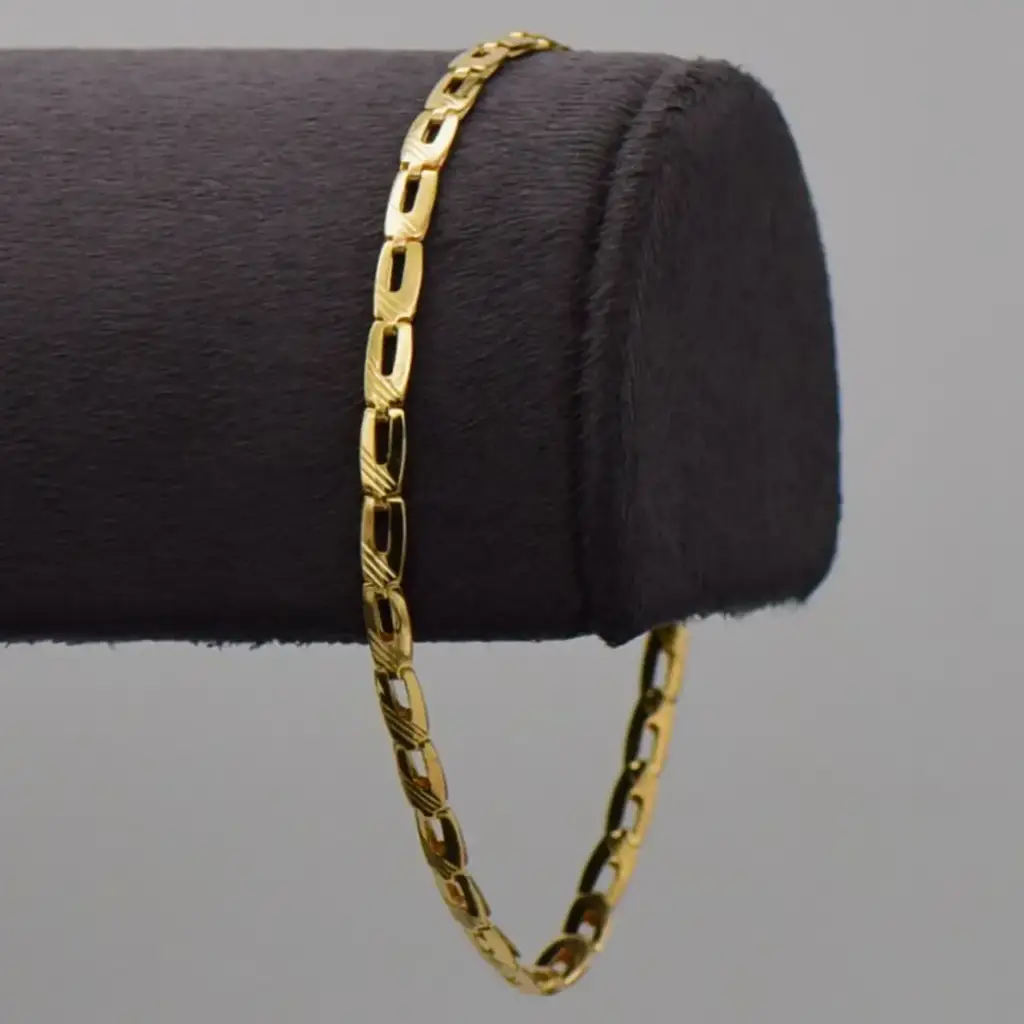
Certified Refurbished
This jewellery piece has been professionally cleaned and independently evaluated for quality and authenticity.
Bracelets
Store Norwood Mall
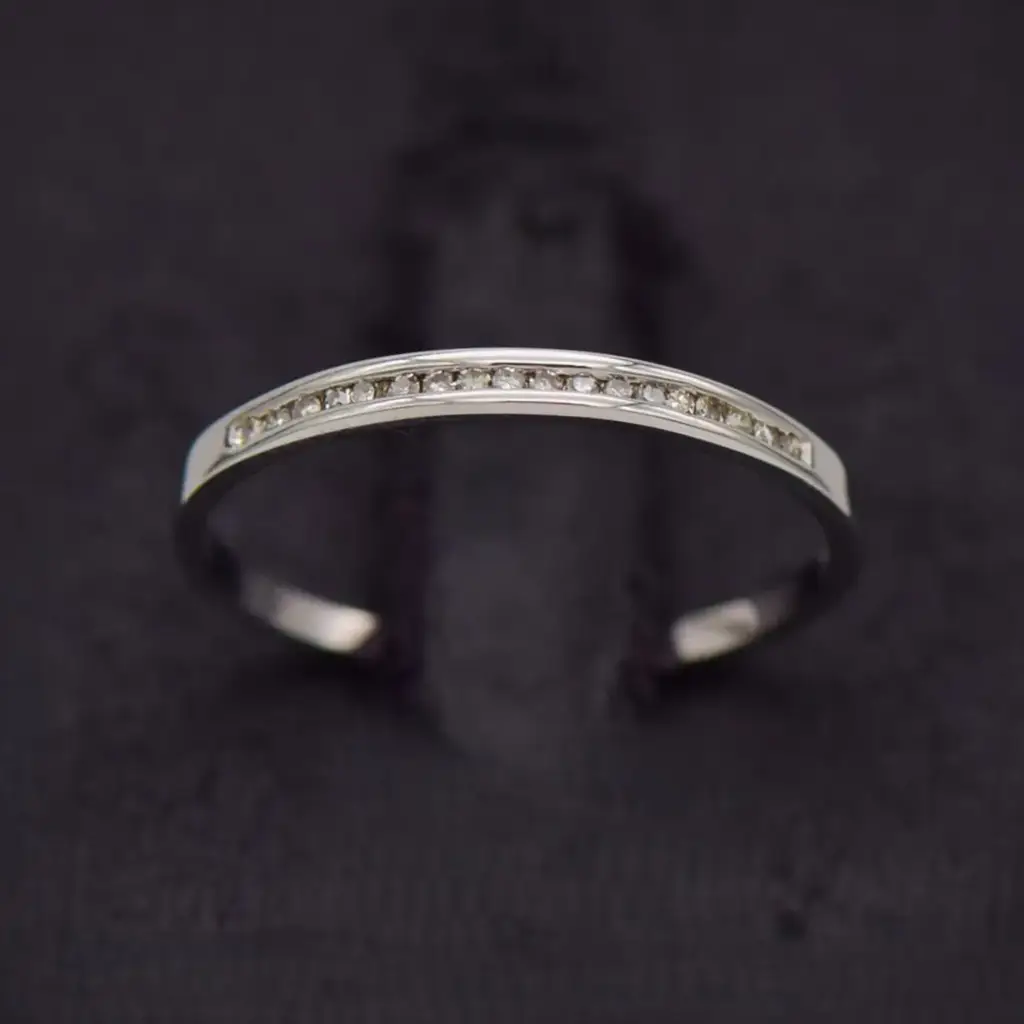
Certified Refurbished
This jewellery piece has been professionally cleaned and independently evaluated for quality and authenticity.
Other Rings
Store Norwood Mall